
Advice & specification
Analyse the workload and produce a technically reasoned system architecture, purchase specification or upgrade plan.
Computing & systems
Specialist computer-system design, optimisation, technical diagnostics and advice for AI, engineering, development, astronomy, remote operation and demanding data workloads.
Computing principle / 01
Performance before branding. Workload before specification. Value before unnecessary expenditure. Reliability and total system balance determine whether a machine is fit for purpose.
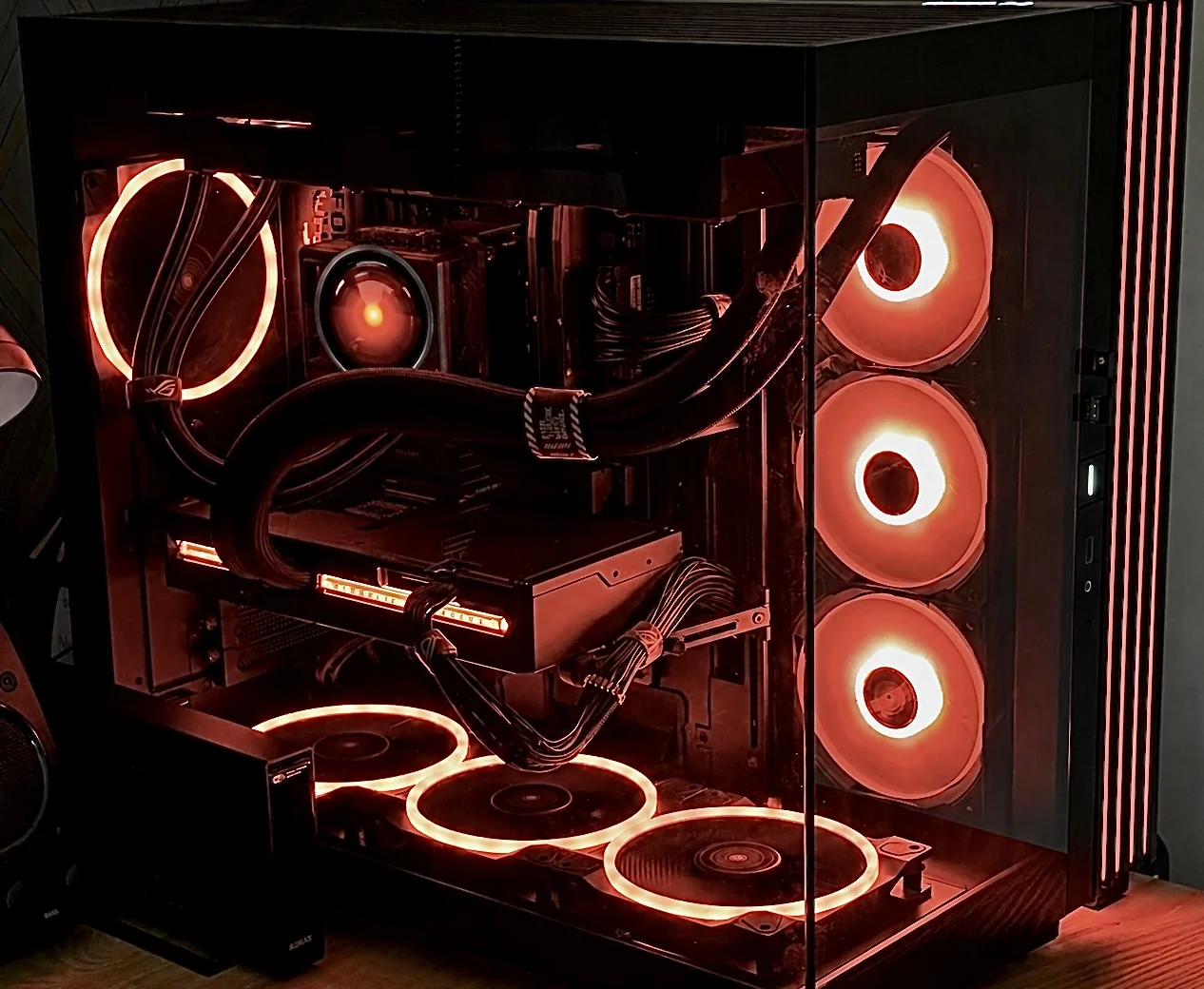
Physical compute
Workload-driven computing is part of the system architecture. Local inference, development, data processing, thermals, power and reliability must be considered together—not as an isolated list of components.
Workload-driven architecture
Computers should be designed and configured around the work they need to perform. Component balance, thermal behaviour, power, storage and upgrade paths matter more than a headline specification.
Local compute
Local AI systems are specified against model size, inference patterns, development workload and reliability requirements. The objective is sufficient, balanced compute—not expensive components without a reason.
Measure first. Upgrade second.
Slow or unreliable systems should be measured before parts are replaced. Diagnostics isolate the actual limiting resource and distinguish hardware constraints from software, configuration, thermal or network problems.
Recover useful performance
A structured system review can remove unnecessary load, resolve conflicts and improve clarity without treating the machine as a disposable asset.
Acquisition to processing
Observatory and astrophotography computers must remain stable around demanding devices, large image data and unattended operation. Architecture considers the complete imaging workflow and the conditions at the telescope.
Beyond the office
Remote sites need efficient local processing, observable health and a planned recovery path. Systems can be designed for workshops, observatories, monitoring stations and off-grid installations.
Data with structure
Storage is planned around working-set speed, capacity, backup, archive and recovery needs rather than a single drive specification.
Reliable technical environments
Development machines and remote technical workstations can be configured as coherent, reproducible environments for software, AI and engineering work.
Privacy & system hardening
Configuration can include privacy settings, telemetry reduction, unwanted software removal, browser and account review, remote-access review, backup planning and sensible security settings. This is system configuration—not penetration testing or offensive cybersecurity.
Technical advice
Independent advice can clarify what GPU, VRAM, RAM, storage, mini PC or workstation architecture the workload actually needs, and whether an existing machine can be upgraded or repurposed.
Analyse the workload and produce a technically reasoned system architecture, purchase specification or upgrade plan.
Measure and improve an existing machine, resolving avoidable constraints before recommending replacement hardware.
Design, specify, configure and validate a complete computing system where the requirement calls for integrated delivery.
Clear commercial starting points
Defined diagnostics and specifications make specialist computing accessible without turning the service into generic repair work.
Computing enquiry
Tell us what the system must run, the data it handles, where it operates and what is limiting the current machine. We will start with the evidence.
Discuss a project